Why Timeline hosts your plugin
In Live, some devices (LFO, Shaper…) can be mapped to any parameter of the track. With a VST3 plugin, this is not possible.
A plugin only knows its own parameters
The VST3 standard only allows a plugin to exchange with its host, Live here (audio, MIDI notes, its own parameters, tempo and position in the song). A plugin has no access to the other plugins of the track, so it can’t change their parameters. Live’s devices are built into Live, which is why they can do it.
Timeline is a host
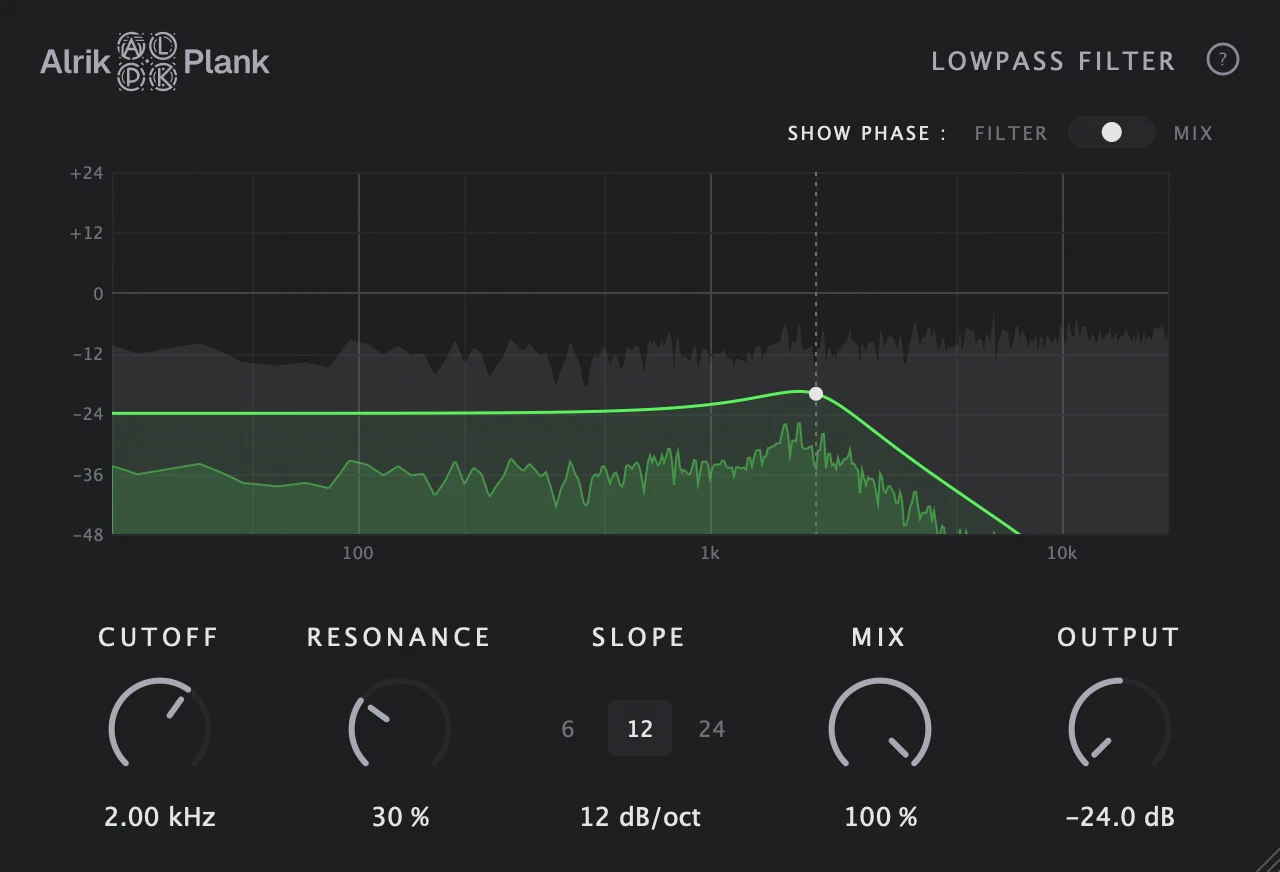
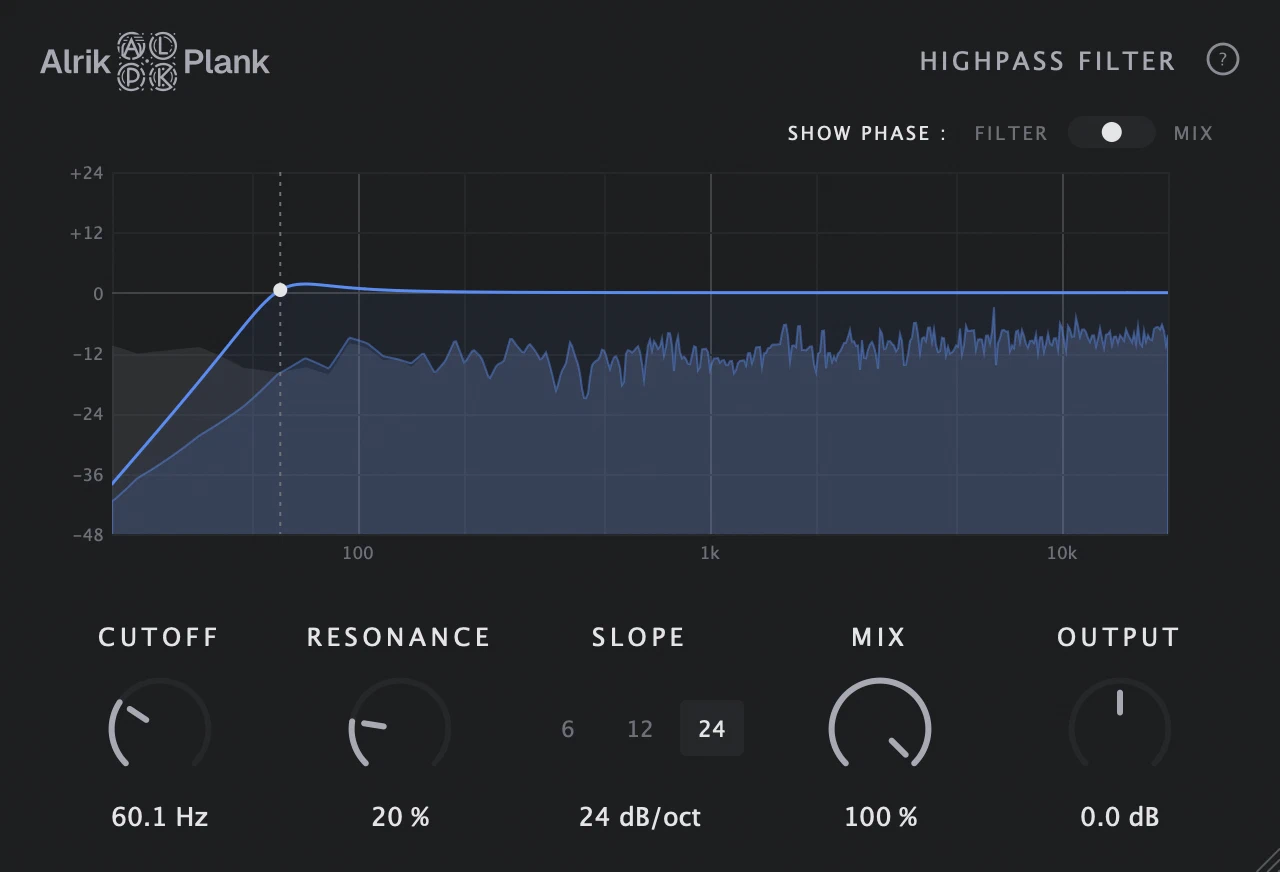
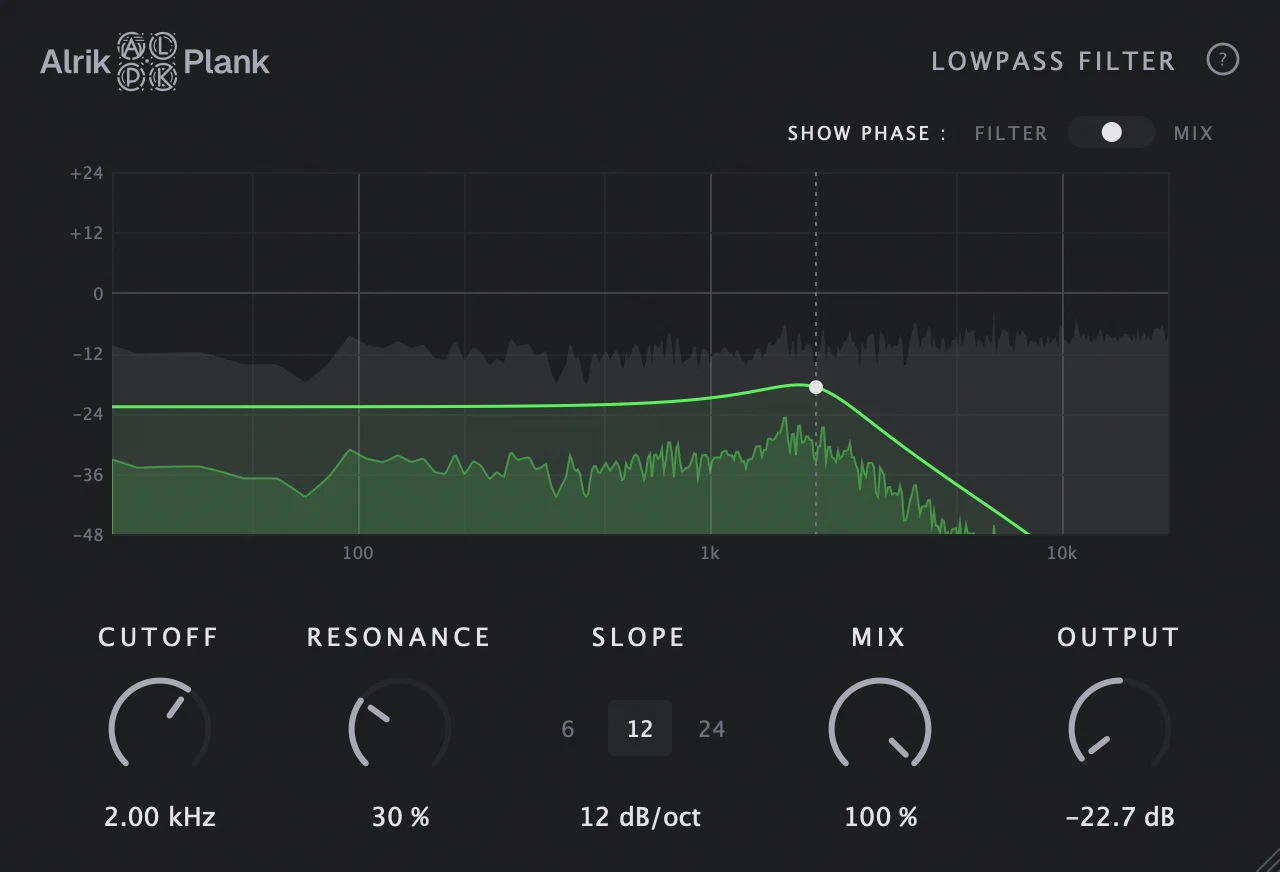
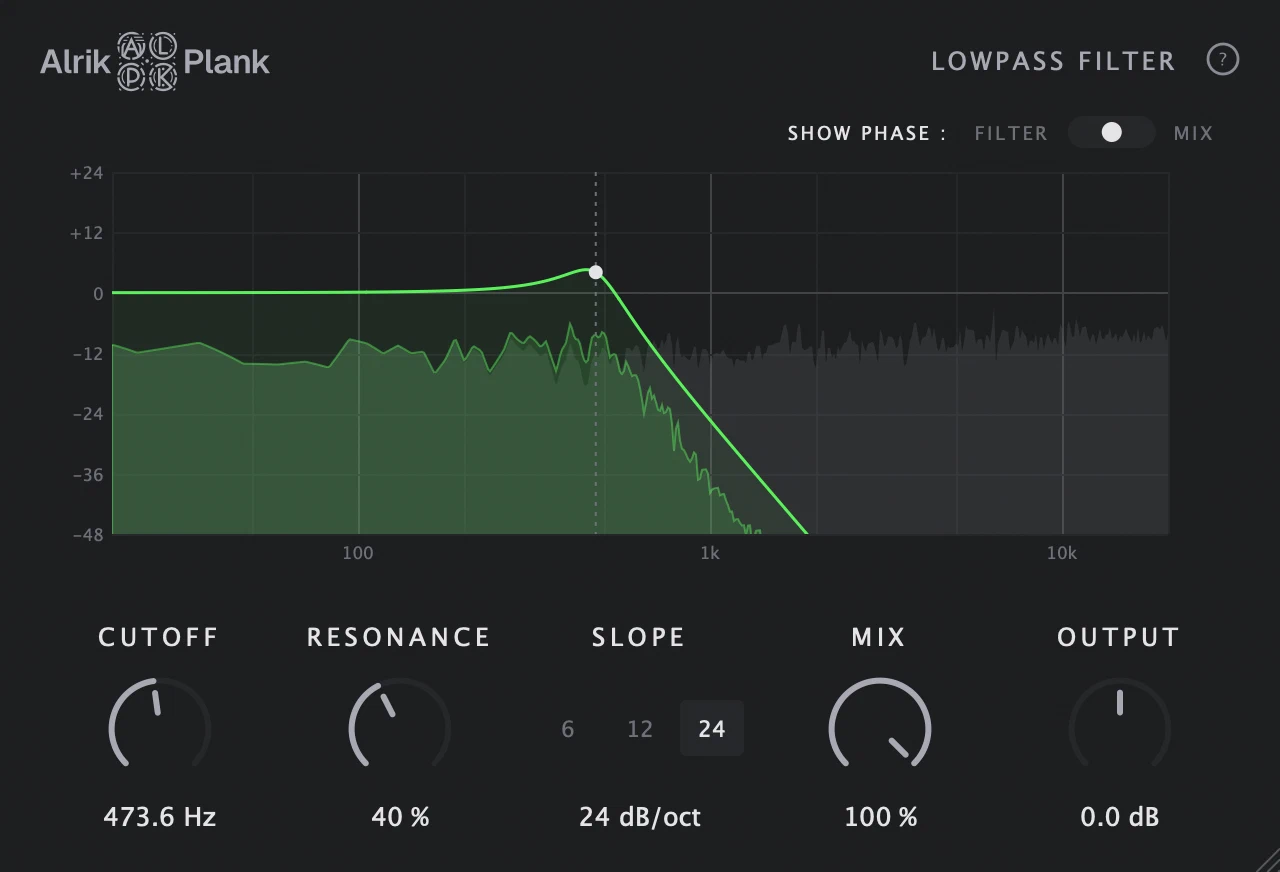
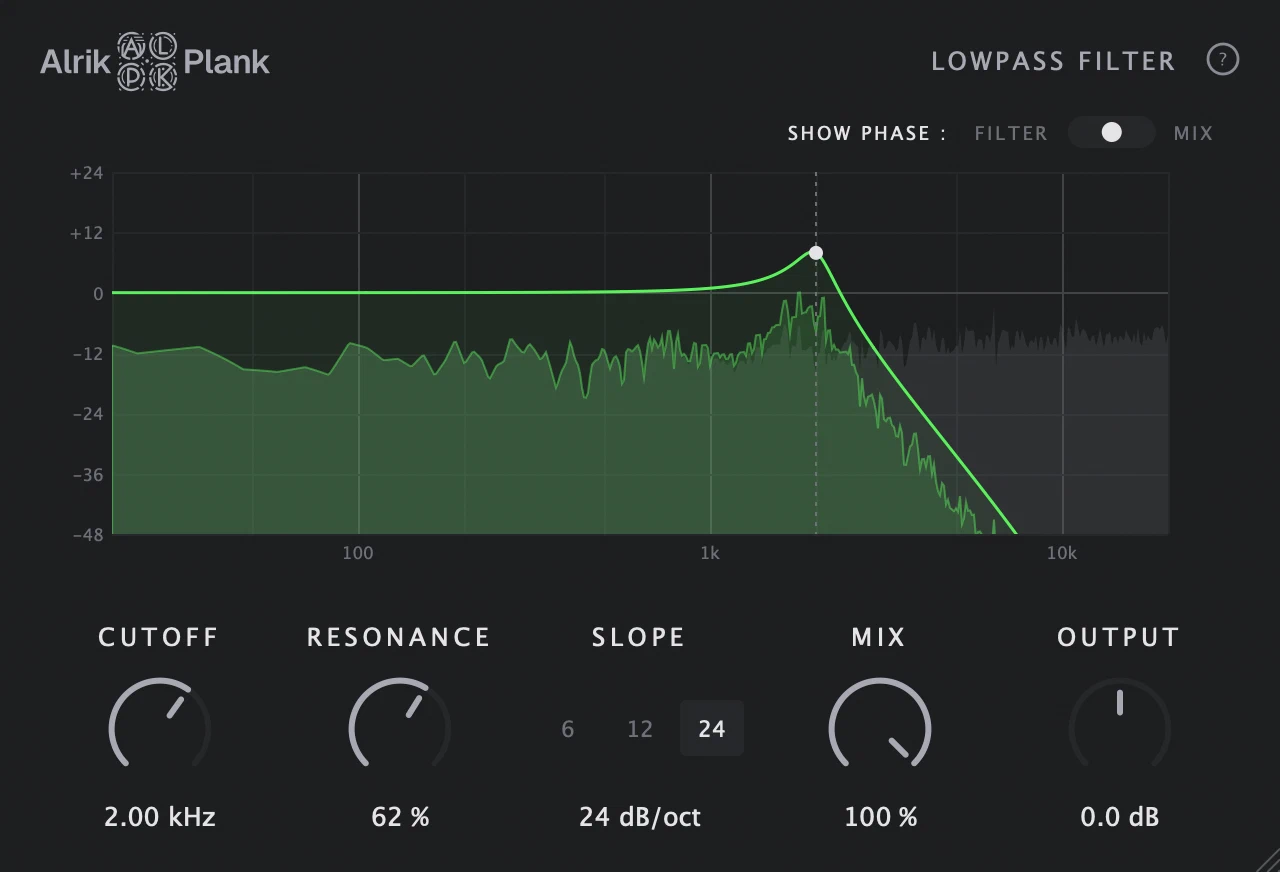
To get around this, Timeline is itself a host, and the plugin to drive is loaded inside it. Seen from the plugin, Timeline plays the role of Live (it sends the audio, the tempo and the position in the song). And as a host, Timeline has access to the list of parameters of the plugin and can change any of them.
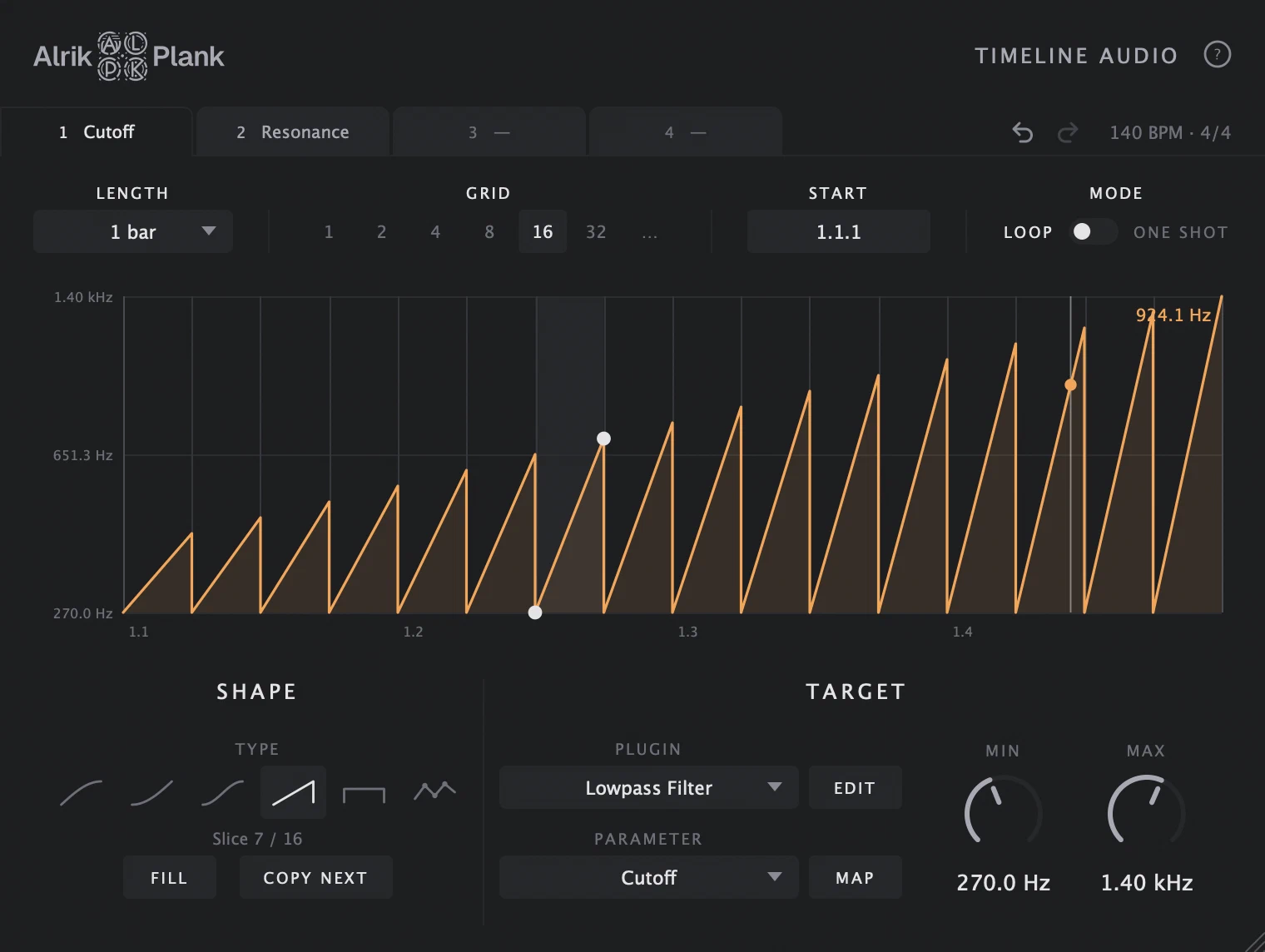
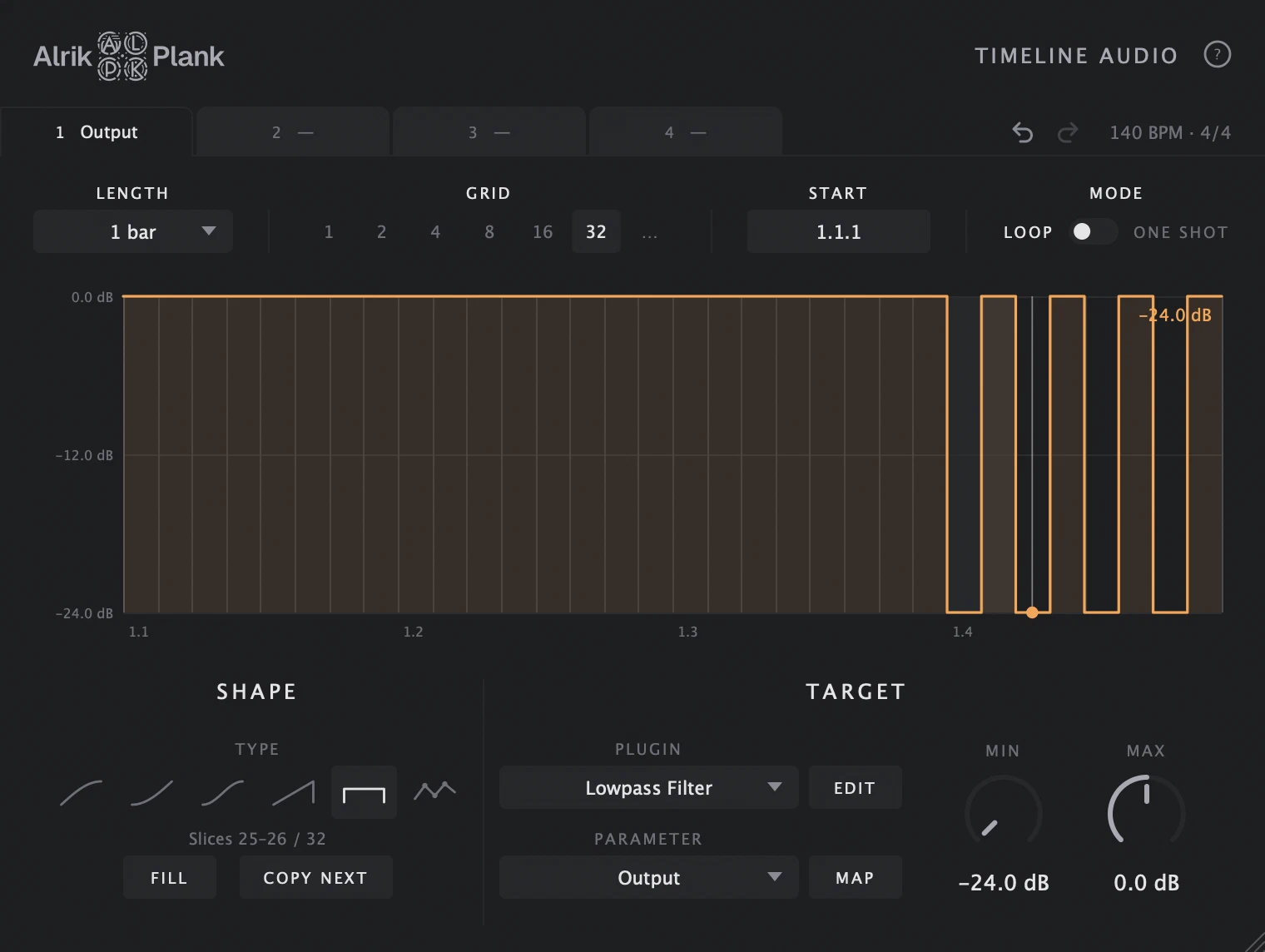
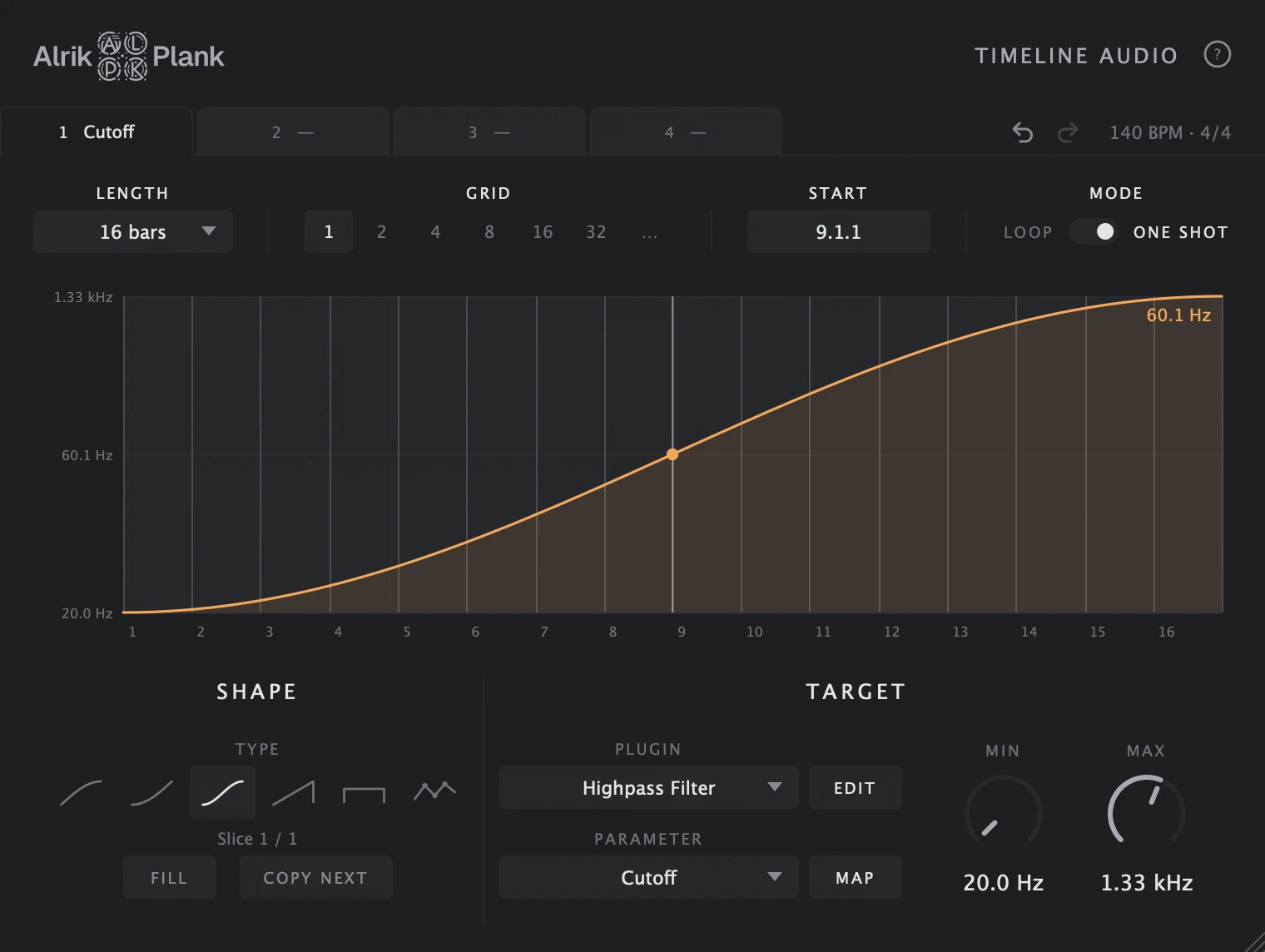
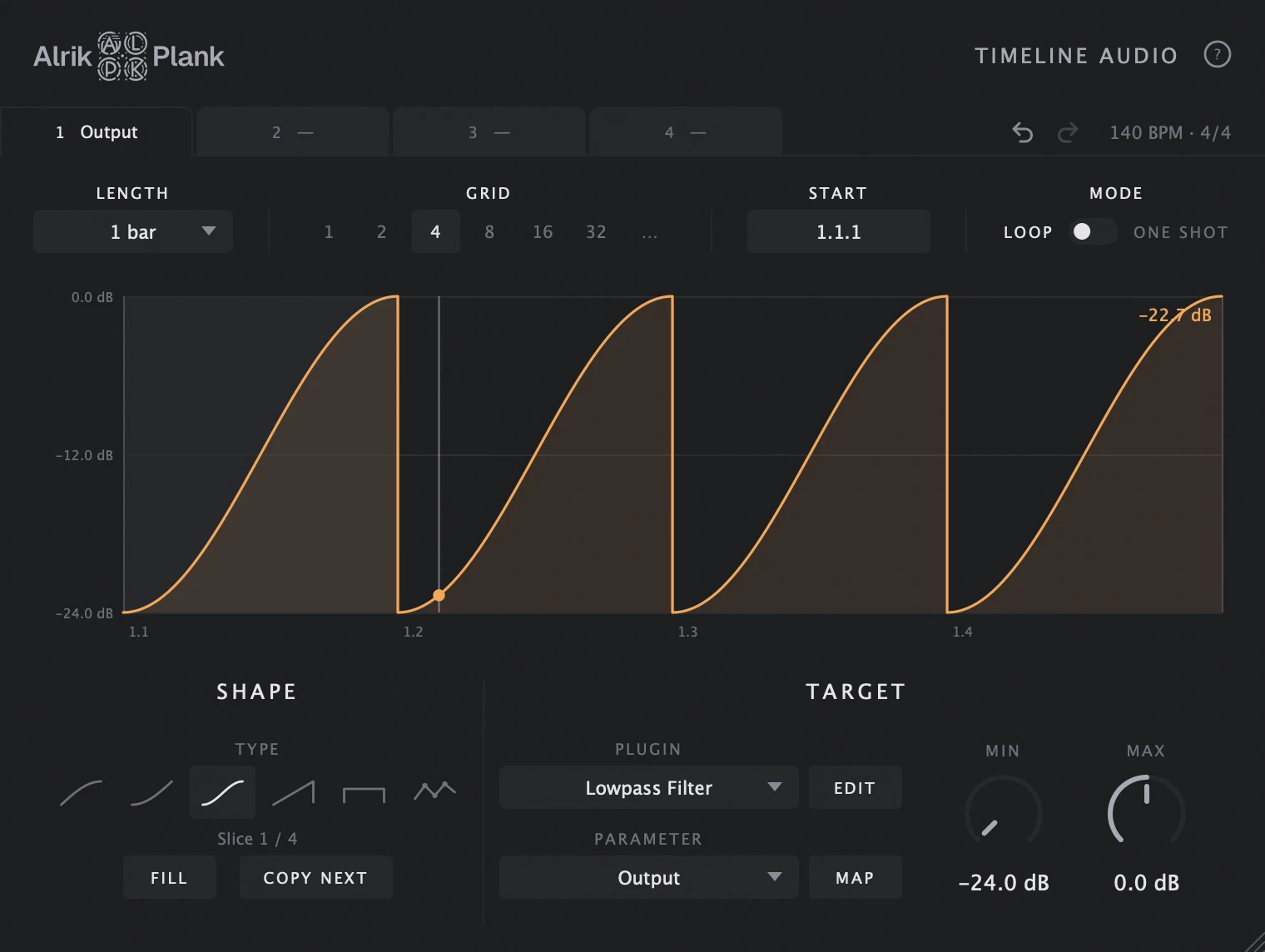
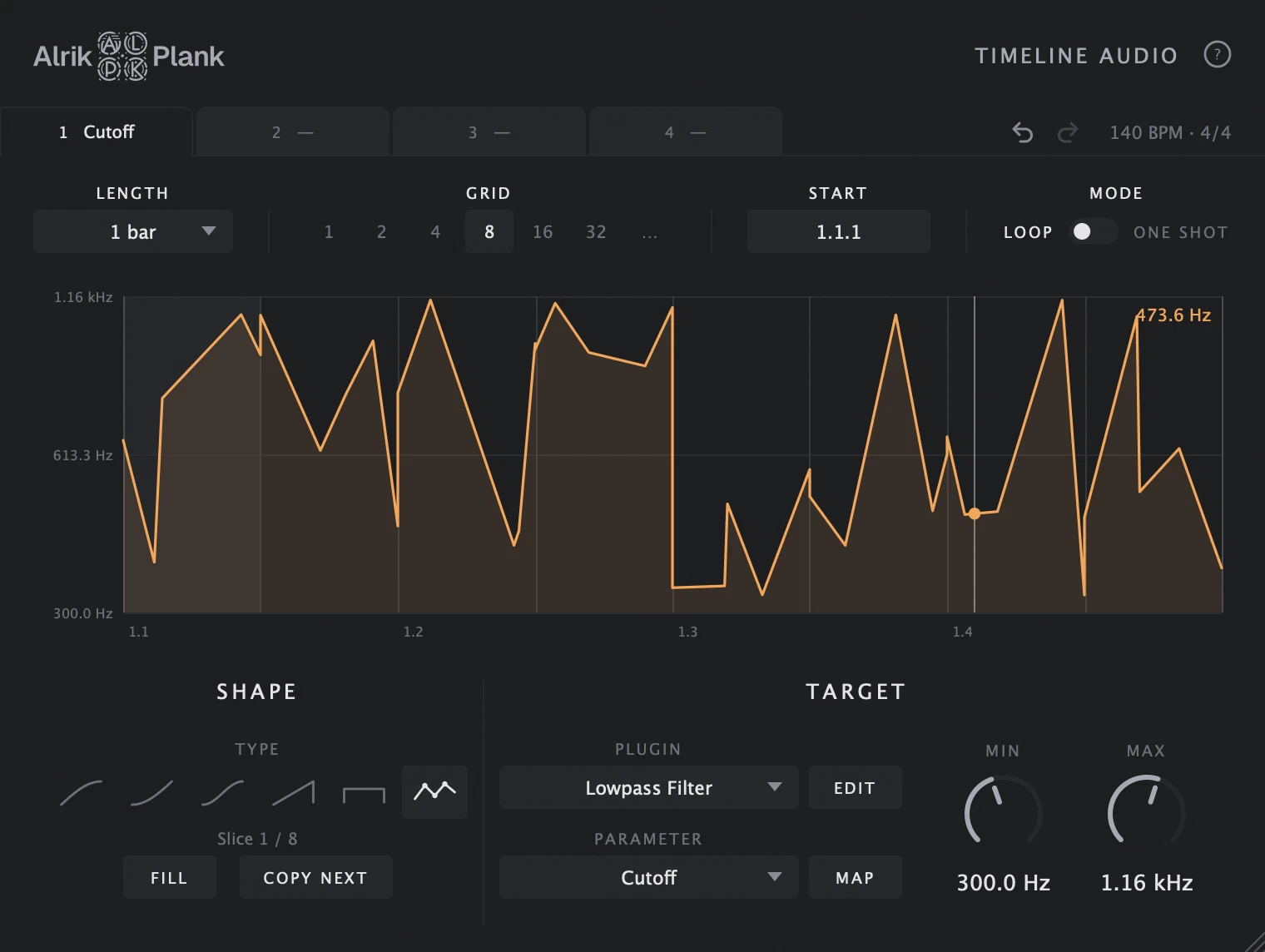
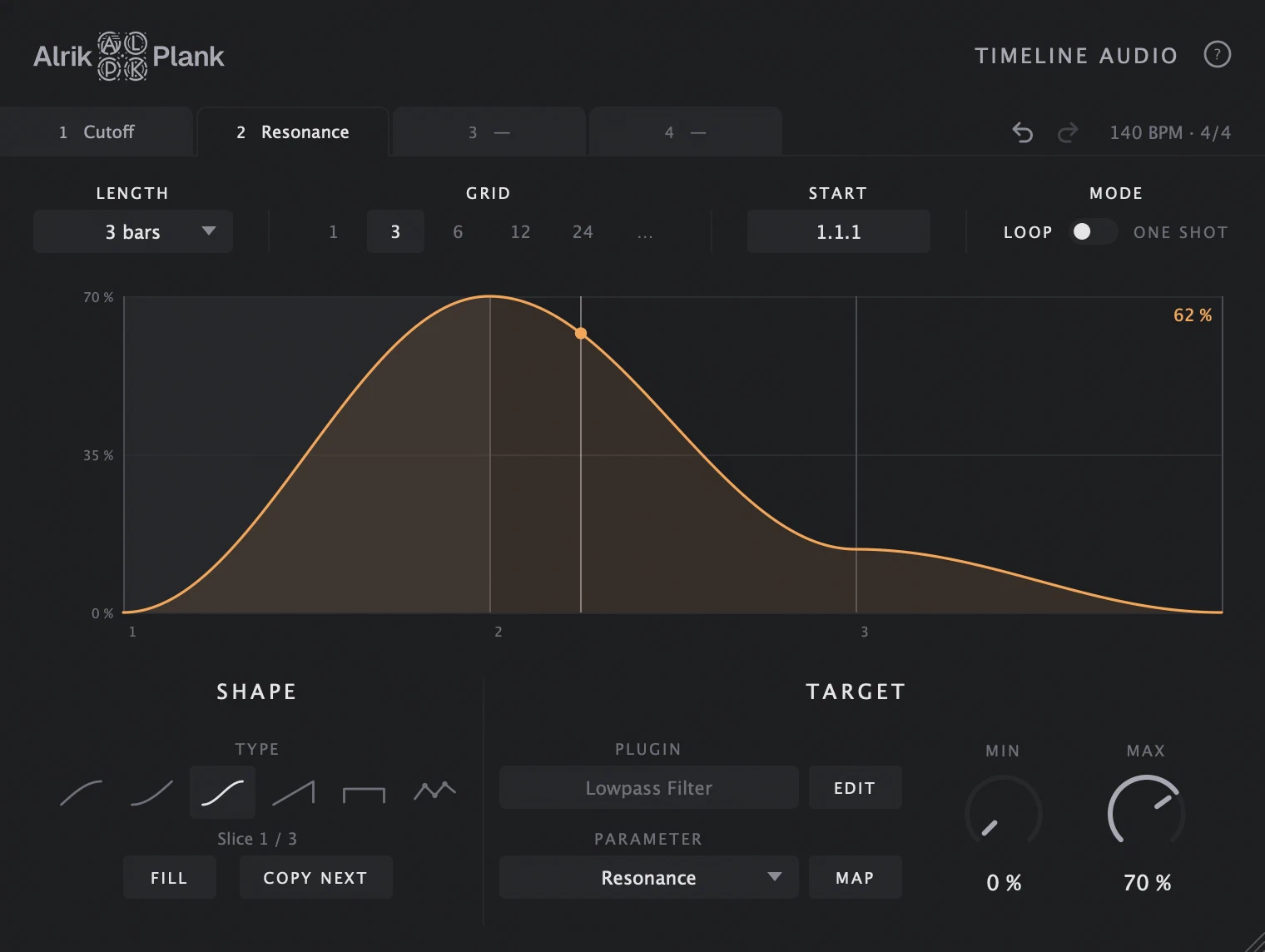
Timeline updates the parameter every 32 samples (less than a millisecond at 44.1 kHz), with the value of the curve at the current position, scaled between Min and Max. This is precise enough for stutters, and the curve stays in time with the song.
What Timeline relays between Live and the plugin
As a host, Timeline also has to relay what Live and the plugin would normally exchange directly:
- the parameters of the plugin (up to 128), to keep the automation and the clip envelopes in Live,
- its latency, so that Live keeps the track in time,
- the sidechain input, from Live to the plugin (for a compressor for example).
Bypass and offline rendering (export, freeze) are passed on too.
Timeline can only host VST3 plugins (effects in Timeline Audio, instruments in Timeline Instrument), one per Timeline, with 4 parameters max (one per layer). Live’s devices are not plugins, so they can’t be loaded.