PluginDevHost
Summary
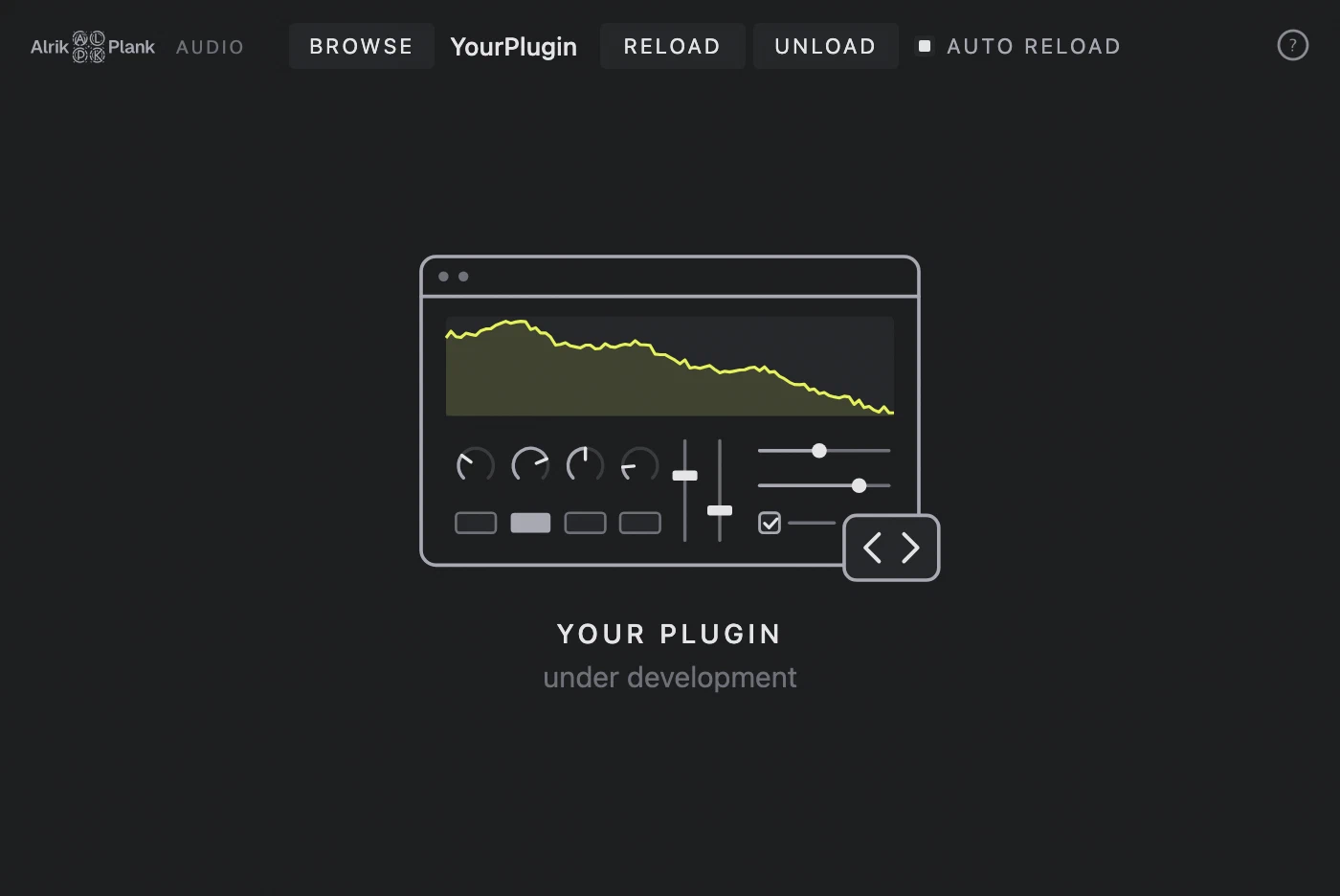
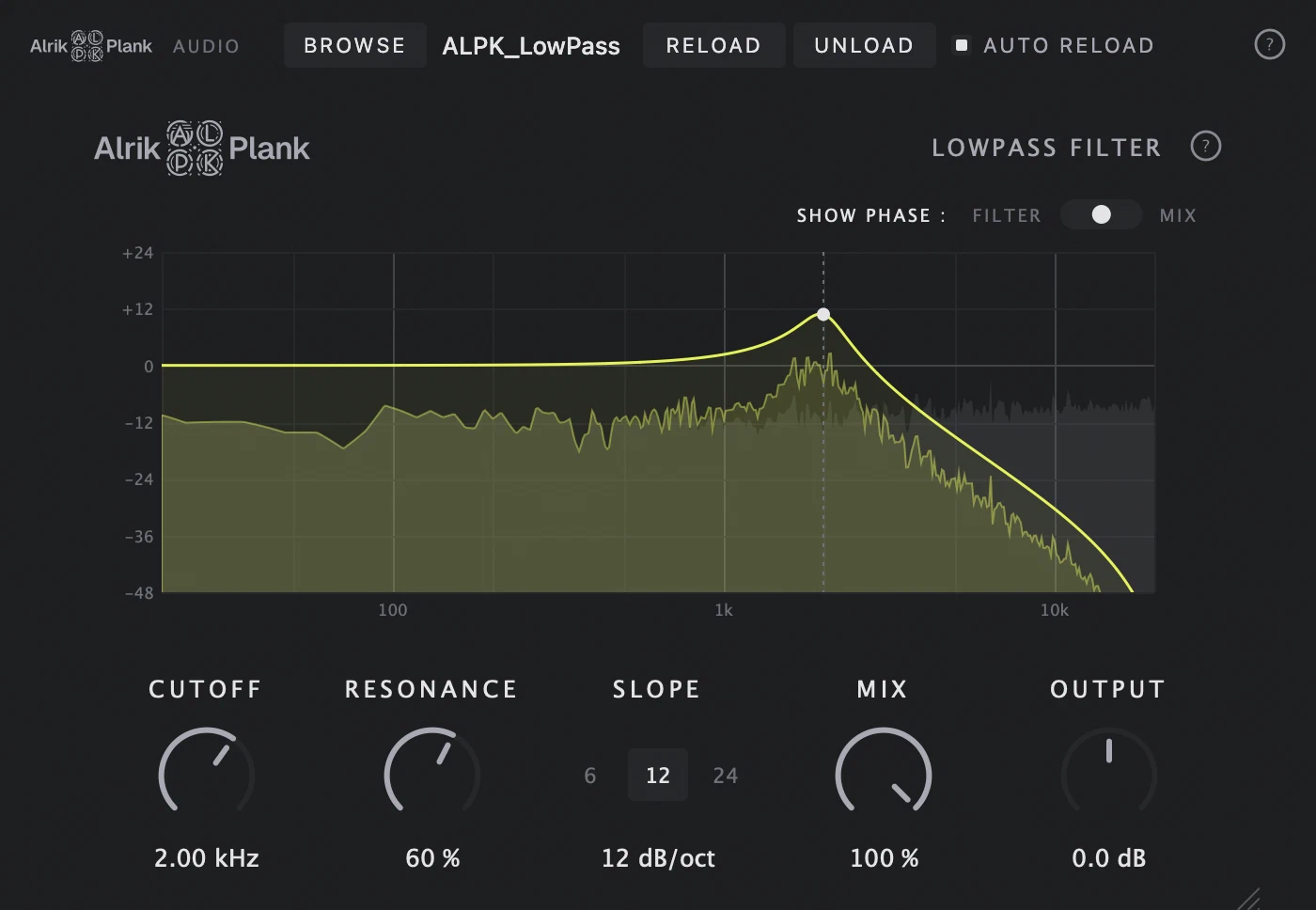
PluginDevHost hosts the plugin you are developing right inside your DAW session. Load your plugin once: every time you rebuild it, it reloads by itself, with its settings and automation. A game changer!
- Free
- Beta 0.1.4
- macOS, Apple Silicon only
- VST3
- Not signed
Preview
Features
Hot reload
Each new build is picked up within seconds and swapped in while the DAW keeps playing. Your project stays open.
Settings kept
Your plugin's state survives every reload: you pick up exactly where you left off.
Automation
Your plugin's parameters are exposed to the DAW (up to 128). Automate them: the automation stays linked across reloads.
Your real session
Test in your own project, with your tracks, routing, transport and other plugins, not in a separate test host.
Clean failures
A build that fails to load is unloaded with a clear error message. The next working build comes back with its settings.
Two versions
PluginDevHost Audio
On an audio track, as an effect
InAudioYour pluginOutAudioFor effects: filters, EQs, compressors, delays…
PluginDevHost Instrument
On a MIDI track, as an instrument
InMIDIAudio (sidechain)Your pluginOutAudioMIDIFor instruments, and for plugins that create MIDI, such as audio-to-MIDI converters. Your plugin must be declared as an Instrument in its VST3 category. The MIDI your plugin produces can feed other tracks.
How it works
- Insert PluginDevHost Audio or PluginDevHost Instrument on a track.
- Click Browse and pick your plugin’s
.vst3, straight from your build folder. - Tick Auto Reload, then rebuild: your plugin reloads by itself.
Reload and Unload are there when you want to do it by hand.
PluginDevHost loads VST3 plugins only. The idea: develop and debug your plugin as a VST3, then, once it is ready, build the other formats (AU, CLAP…) from the same code.
Limitations
- Hosts VST3 plugins only (no AU, no CLAP).
- The Audio version loads effects only, the Instrument version instruments only (VST3 category).
- Mono or stereo, with the same layout in and out.
- Up to 128 parameters can be automated.
- Your plugin runs inside the DAW: if it crashes, the DAW crashes with it.
- Tested in Ableton Live 12 only so far.
Version info
Current version: 0.1.4 beta. For now it runs only on Macs with Apple Silicon (M1 and later).
It is not signed with an Apple Developer ID nor notarized by Apple, so macOS blocks it after download (see Installation below).
Download
Download PluginDevHost 0.1.4SHA-256 ed0110c23e6428cdaaaed075520553e19cb9fd907f1b21998d755f25c7df80ea
Installation
Unzip the file and copy both
.vst3files to~/Library/Audio/Plug-Ins/VST3.In Terminal, run:
xattr -dr com.apple.quarantine ~/Library/Audio/Plug-Ins/VST3/ALPK_PluginDevHost*.vst3Restart your DAW and rescan your plugins if needed.
Only do this for files downloaded from this site.
Release notes
V0.1.4 ·
- Maintenance release.
V0.1.3 ·
- Sidechain support for hosted effects.
- Audio version now hosts effects only, Instrument version instruments only.
- Support for instruments without audio input or with multiple outputs.
- Settings and automation kept when a plugin fails to load.
- Fixes for bypass, export, freeze and stuck notes.
- Third-party licenses in the info panel.
V0.1.2 ·
- Performance improvements.
V0.1.1 ·
- User interface improvements.
V0.1.0 ·
- First beta.
VST is a registered trademark of Steinberg Media Technologies GmbH.