What Audio Modulator's Phase, Volume and Pitch modes really do
Audio Modulator moves your sound with a slow oscillator (an LFO): its volume, its pitch, its place between left and right. Behind each mode hides a bit of acoustics worth knowing, because it changes how you use it. Three modes, three surprises.
Phase mode: the Haas effect, and what happens in mono
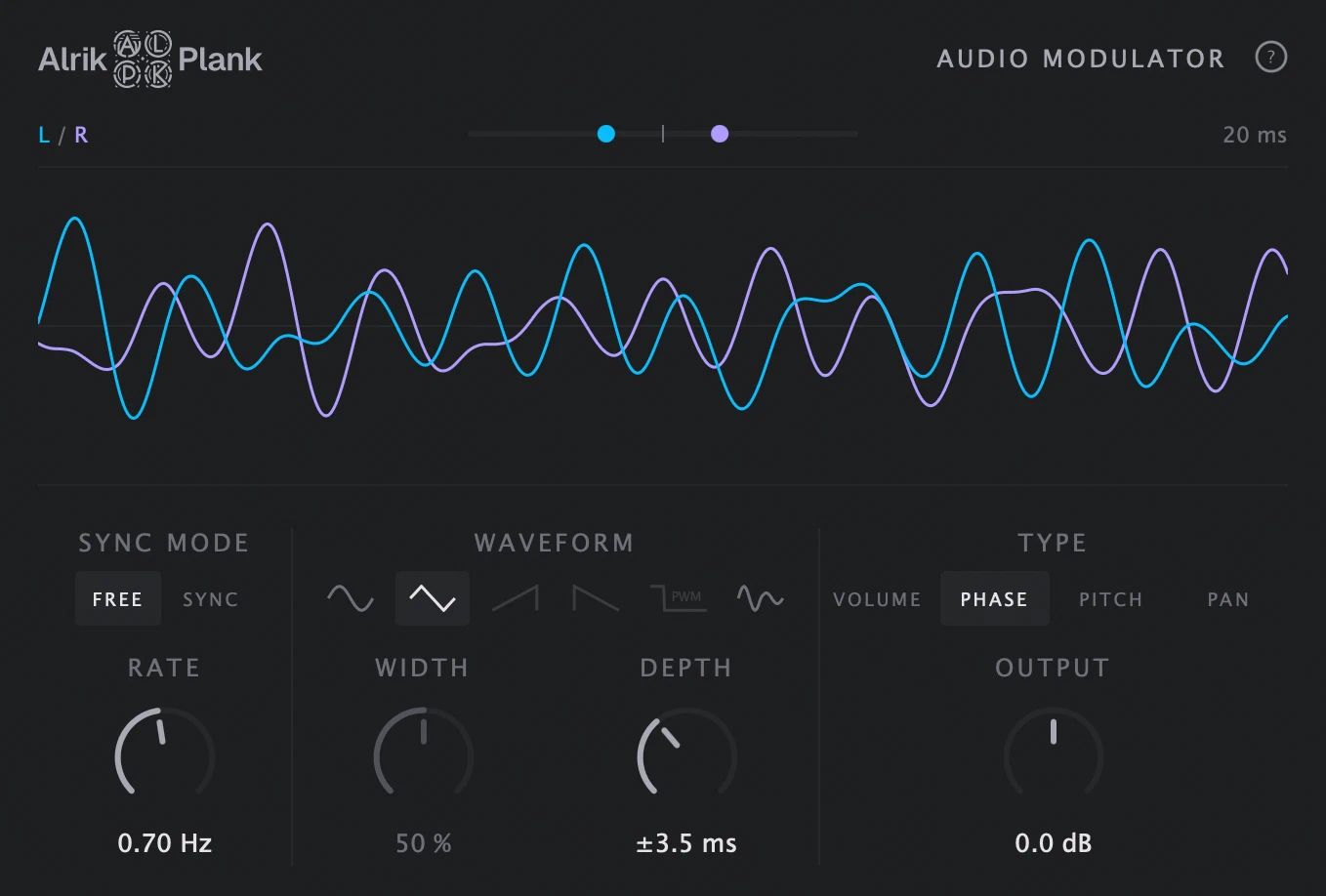
In Phase mode, Audio Modulator does not change the volume of either side: it delays one channel against the other by a few milliseconds, first the right, then the left, at the pace of the LFO (up to 10 ms at Depth 100 %).
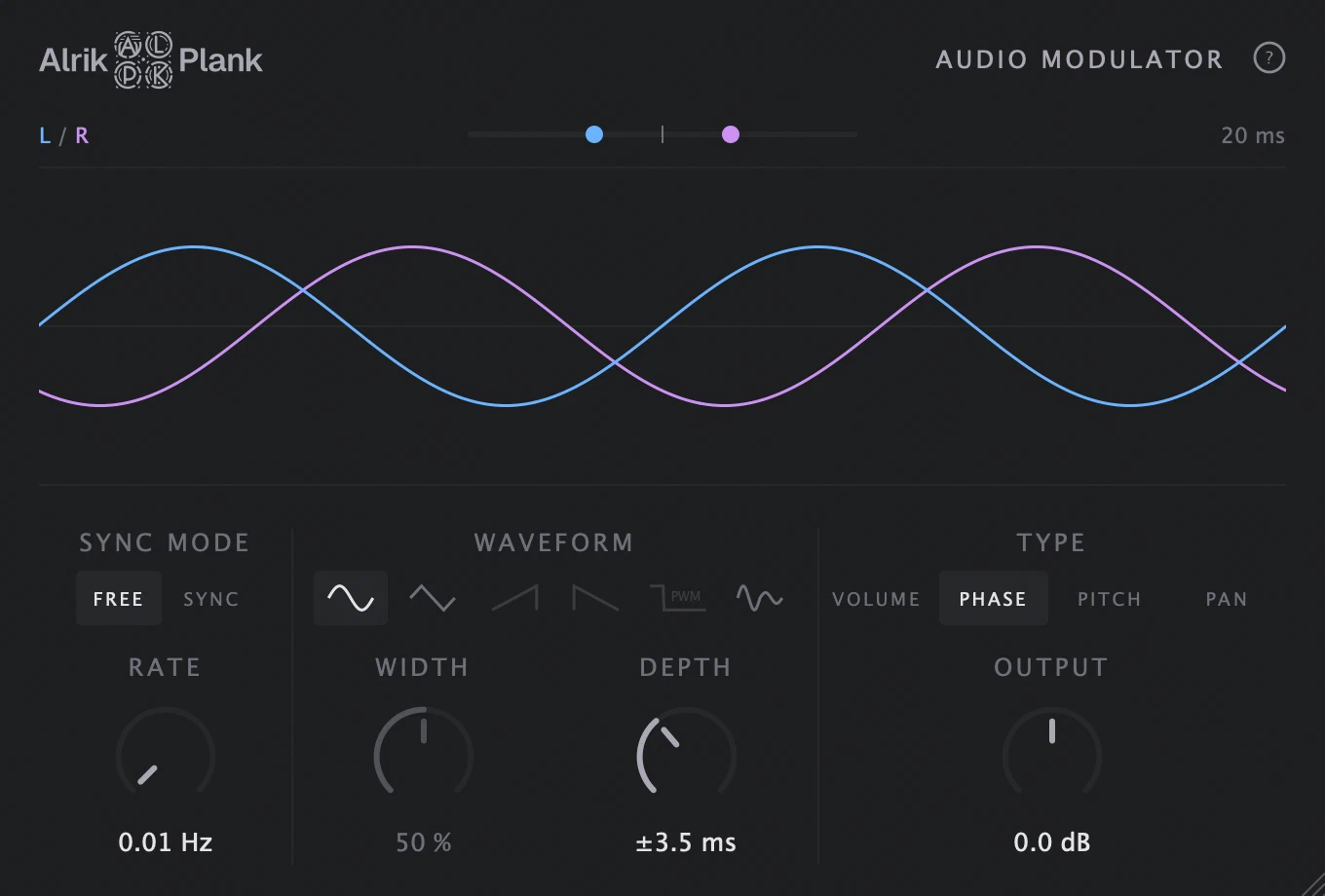
The ear does not hear an echo. Below about 30 ms, the two copies merge into a single sound, which seems to come from the side that arrives first. This is the Haas effect, or precedence effect: our brain uses these tiny delays to locate sounds. As the LFO swings the delay from one side to the other, the sound drifts across the stereo field without getting louder or softer.
The catch: mono. Phones, many Bluetooth speakers and some club systems add left and right together. Add a sound to a delayed copy of itself and some frequencies cancel out: those for which the delay is half a period (the two copies are upside down), and every odd multiple of it. With 1 ms of delay: holes at 500 Hz, 1.5 kHz, 2.5 kHz, and so on. The spectrum looks like a comb, hence the name comb filter.
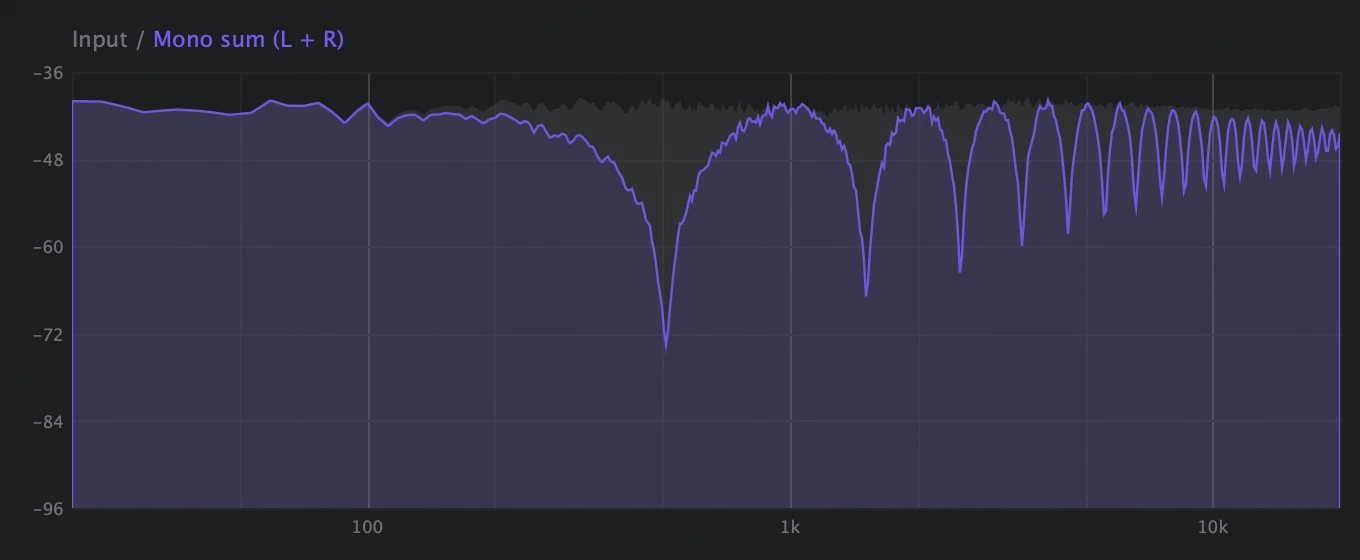
And since the LFO keeps changing the delay, the holes keep moving up and down: in mono, Phase mode turns into a flanger, the famous jet plane sweep. Flangers do exactly this, on purpose, with delays of the same order (1 to 10 ms).
- Check your track in mono. If the sound gets hollow or starts to whoosh, lower Depth.
- The smaller the delay, the higher the first hole. Below 1 ms (Depth 10 %), it sits above 500 Hz; at 10 ms, it falls at 50 Hz, right in the bass. Go easy on bass and kick.
- It is not specific to this plugin: the same holes appear whenever a sound meets a slightly delayed copy of itself, such as two microphones at different distances, or a doubled track nudged in time.
Volume mode: when tremolo stops being tremolo
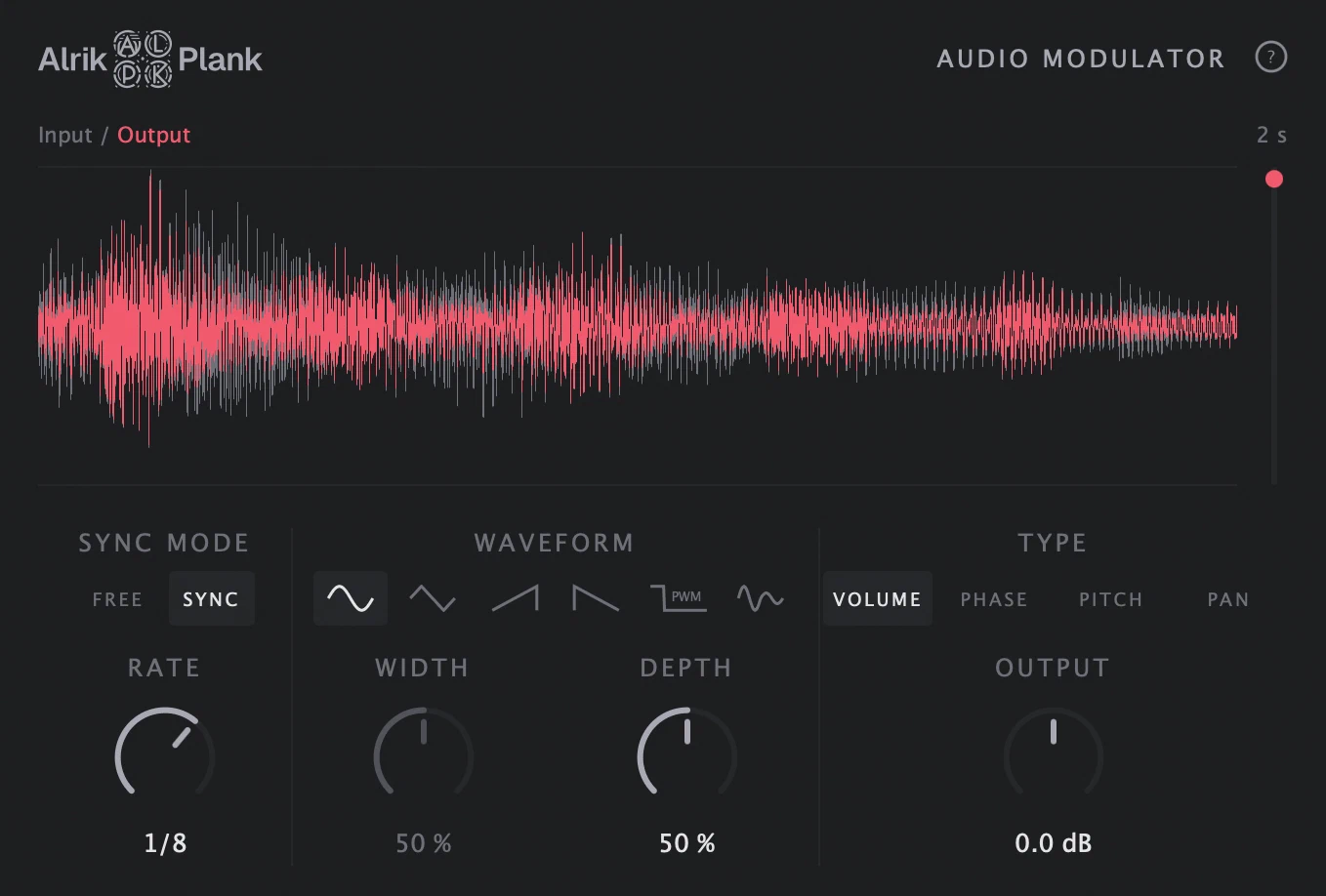
In Volume mode, the LFO turns the volume up and down: a classic tremolo. At 5 Hz, you hear exactly that: the sound pulses five times a second.
Push Rate towards 40 Hz and the effect changes in nature. The ear can no longer follow the ups and downs: above roughly 15 to 20 Hz, it hears a rougher, buzzing sound instead of a pulse.
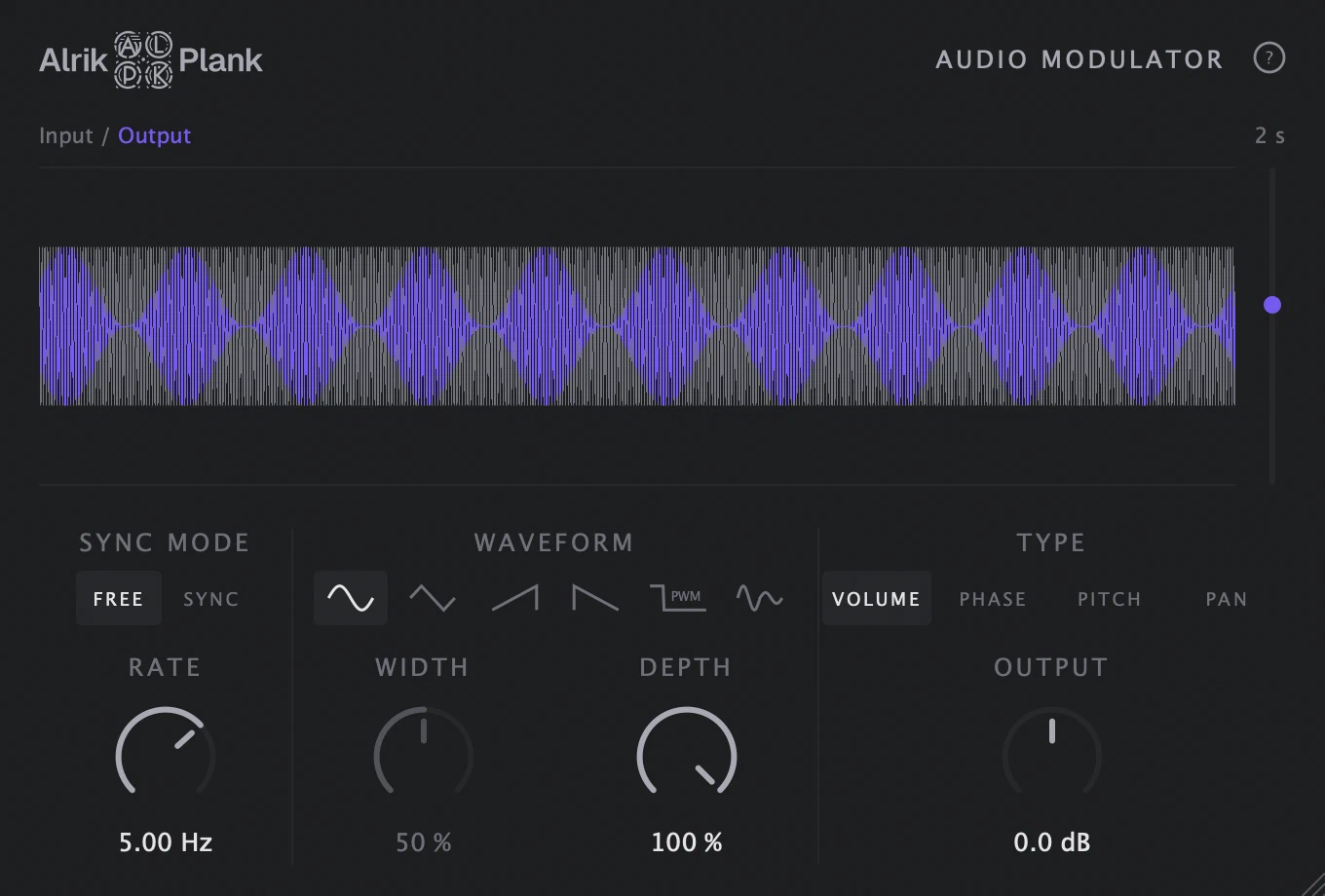
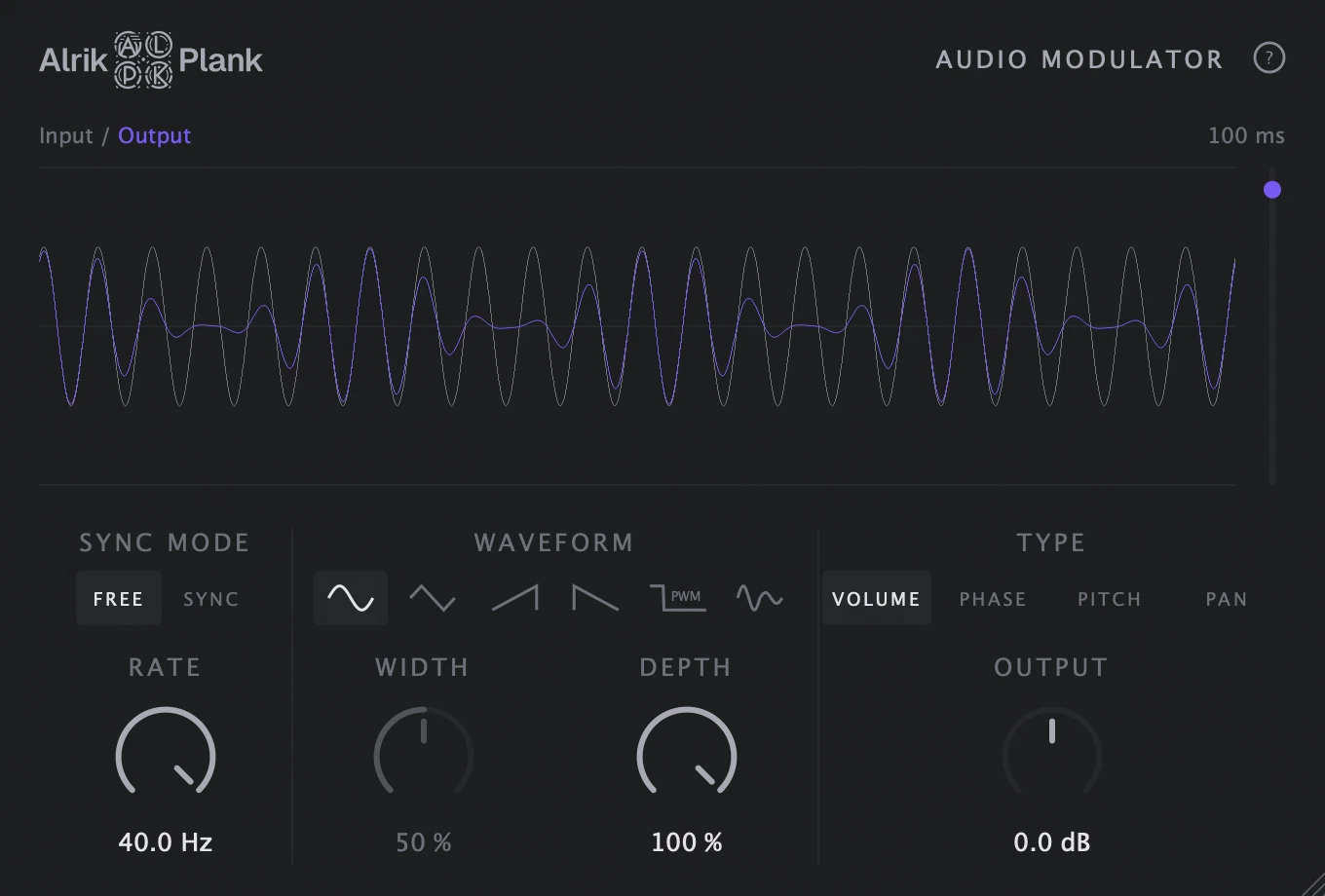
The spectrum shows why. Turning the volume of a sine wave up and down creates two new frequencies, one on each side of the original: the original plus the rate, and the original minus the rate. Here, a 220 Hz sine wave at Depth 100 %:
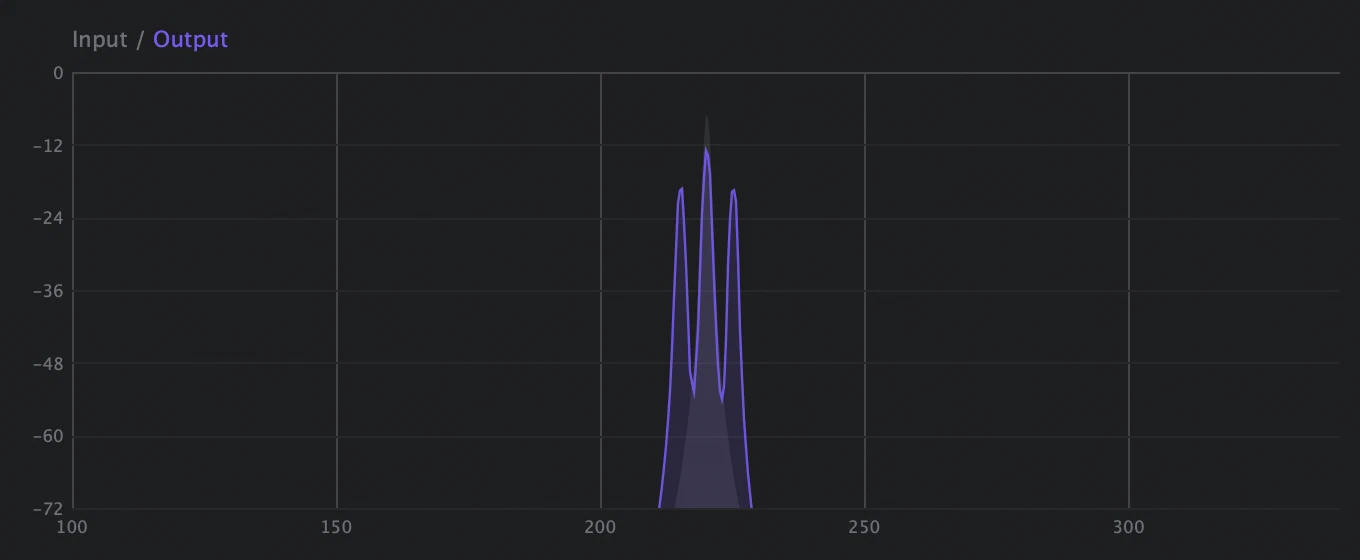
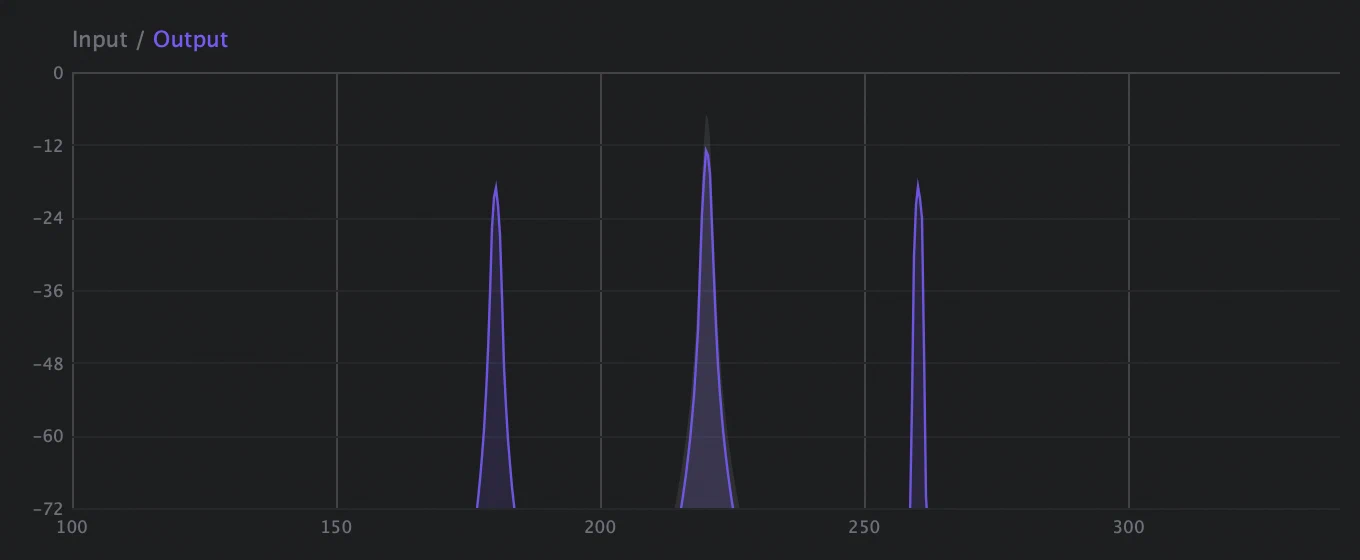
At 5 Hz, the new lines are so close to the original that the ear hears one note whose loudness wobbles. At 40 Hz, they are far enough apart to change the timbre: 180 and 260 Hz do not belong to the harmonic family of a 220 Hz note, which gives a slightly metallic, dissonant edge.
This is amplitude modulation, the AM of AM radio, and the close cousin of the ring modulator. A ring modulator goes one step further: it removes the original note and keeps only the two new ones, hence its bell-like, robotic sound. Audio Modulator keeps the original: at Depth 100 %, the new lines sit 6 dB below it, as measured above. With Saw or PWM, there are even more new lines: one pair for each harmonic of the LFO’s waveform.
Try it: Volume mode, Free, Rate between 30 and 40 Hz, Depth 100 %, on a sustained synth or a bass. You get a growling, ring-mod-like colour, without a ring modulator.
Pitch mode: a Doppler effect in a box
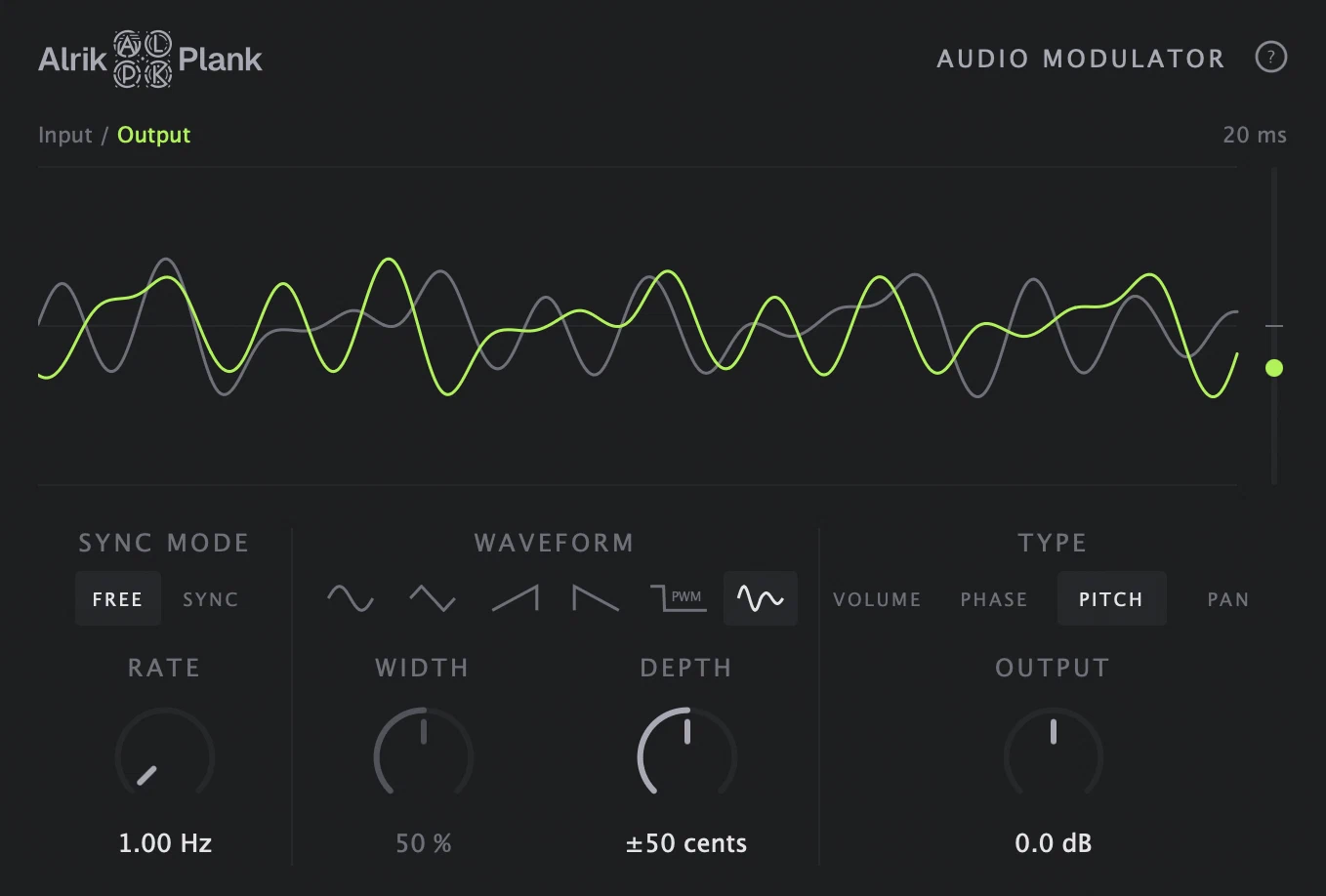
Pitch mode makes the pitch go up and down: a vibrato. Yet there is no pitch shifter inside Audio Modulator, only a delay whose length keeps changing.
It is the Doppler effect. When an ambulance comes towards you, each wave crest has a shorter way to travel than the one before, so the crests reach you closer together: the siren sounds higher. When it drives away, the crests are spread out: it sounds lower. A delay that gets shorter does exactly the same to a sound: the plugin reads it a little faster than it arrives, and the pitch goes up. A delay that gets longer: the pitch goes down.
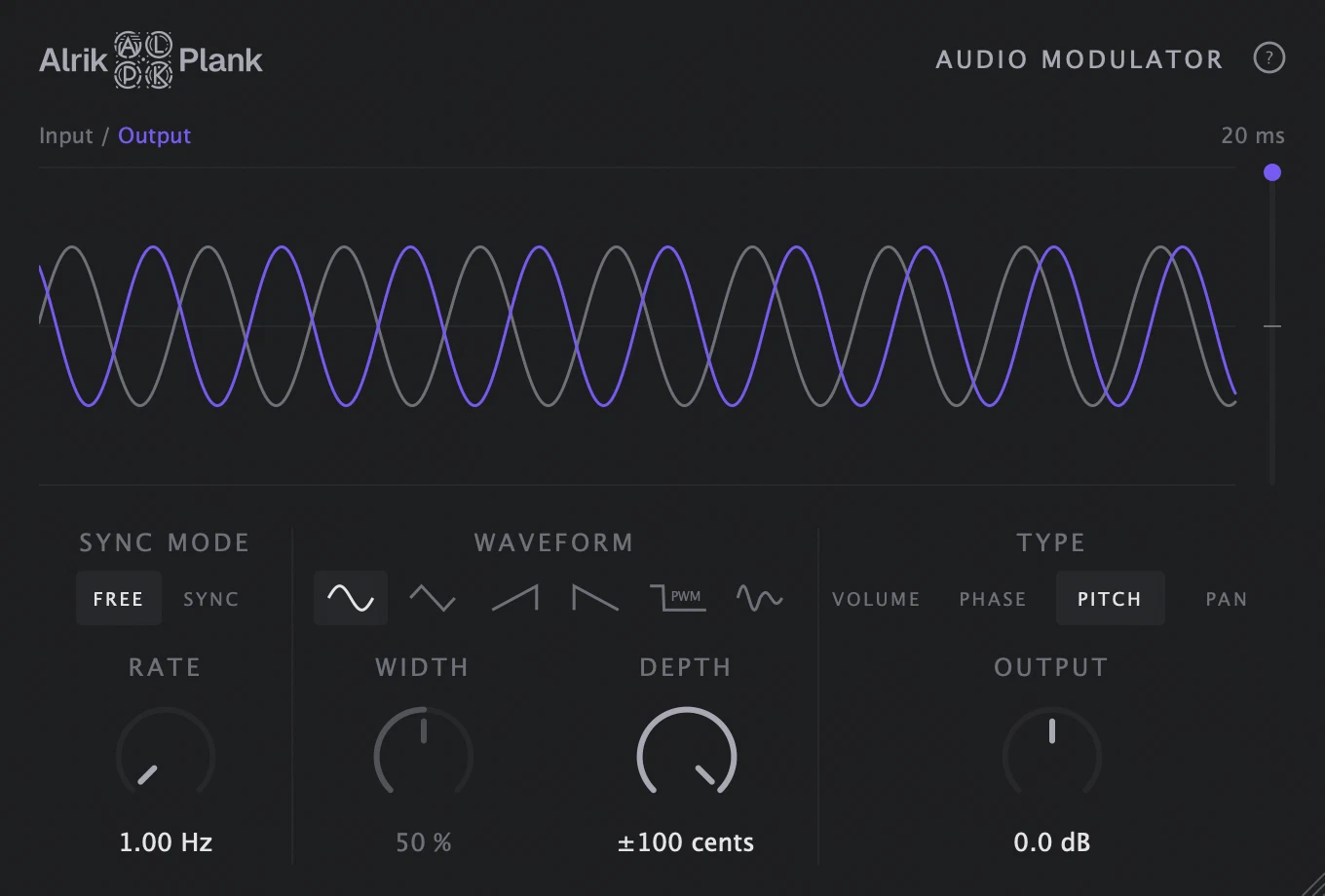
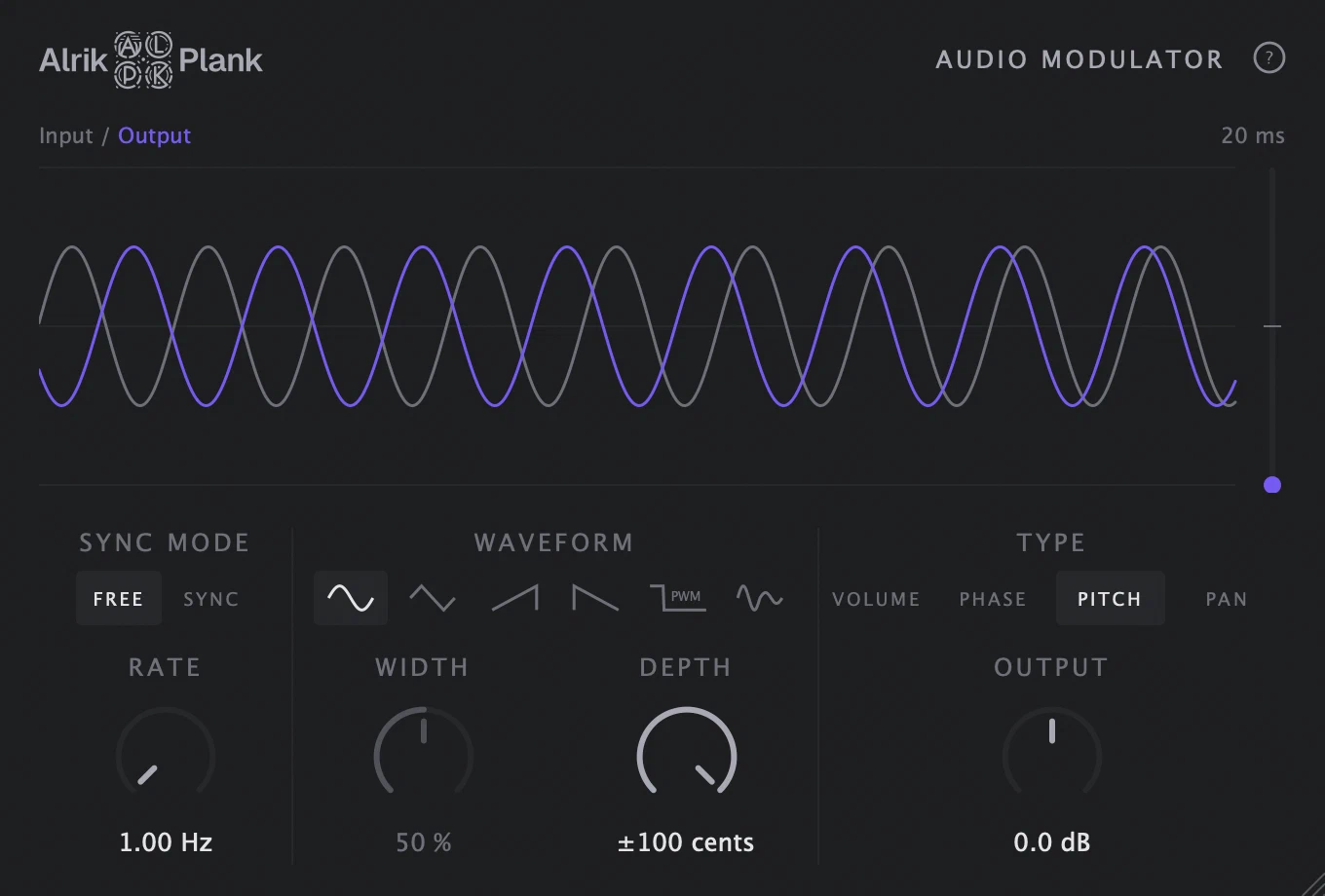
To give an idea: at Depth 100 %, the pitch moves by up to a semitone (100 cents) each way, about what happens to the sound of a car engine passing you at 70 km/h.
Why 16 ms of latency? To raise the pitch, the plugin has to read the sound faster than it arrives. It can only do that if it keeps some in reserve: it holds 16 ms back and tells your DAW, which compensates by playing the track 16 ms early. Volume, Phase and Pan need no reserve and add no latency.
A big family. The same moving delay is behind the chorus (slightly moving copies mixed with the original), the flanger (seen above, in mono), the wobble of a worn tape and the Leslie speaker, whose rotating horn creates a real Doppler effect by moving the loudspeaker itself.